
When buying a new computer, many people ask the same question:
Should I go with a traditional desktop or an all-in-one (AIO) PC?
Let’s compare both to help you decide what’s right for you.
What is an All-in-One PC?
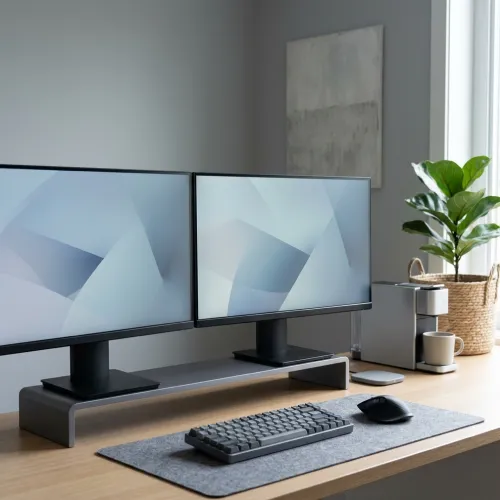
An All-in-One (AIO) PC combines the monitor and the CPU in a single sleek unit. Popular examples include the Apple iMac and HP Pavilion AIO.
Advantages of AIO:
- Saves space – no separate tower
- Clean, minimal design
- Fewer cables
- Often includes built-in webcam, speakers, Wi-Fi
Disadvantages of AIO:
- Less upgradeable
- Repairs are more complex
- Not ideal for high-end gaming or editing
What is a Desktop PC?
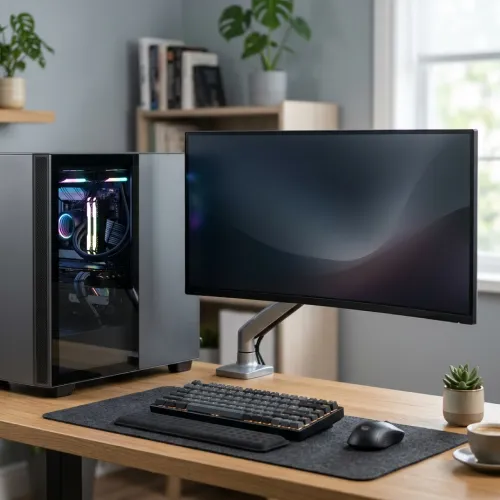
A traditional desktop has separate components: monitor, CPU tower, keyboard, etc. It’s more modular and customizable.
Advantages of Desktop:
- Easier to upgrade parts (RAM, GPU, etc.)
- Better performance for price
- More powerful cooling options
- Ideal for gamers, developers, and professionals
Disadvantages of Desktop:
- Takes more space
- More cables to manage
- Less portable
Which One Should You Choose?
Choose All-in-One if:
- You want a clean, clutter-free setup
- You do basic tasks: browsing, MS Office, Zoom
- You like modern looks and don’t plan upgrades
Choose Desktop PC if:
- You need powerful performance
- You play games, edit videos, or run design software
- You want to upgrade parts later
Shop Now – Hiba Computers
Looking for the best AIO or desktop for your needs?
👉 Check out our collection of All-in-One PCs and High-Performance Desktops today!
We offer competitive prices and full warranty support.